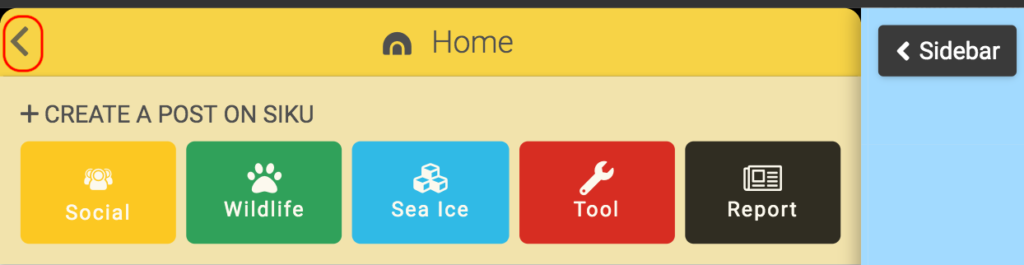
Sidebar Back Button

Contents
    1. In the top left corner of the title bar (in the left side bar), click the [fa i=”chevron-left”] icon to return to the previous page.
    2. This back button mimics your browsers back button however in some cases, you cannot go back to the previous pages, as once you have uploaded a post.

    Updated on August 4, 2020
    This site is registered on wpml.org as a development site. Switch to a production site key to remove this banner.