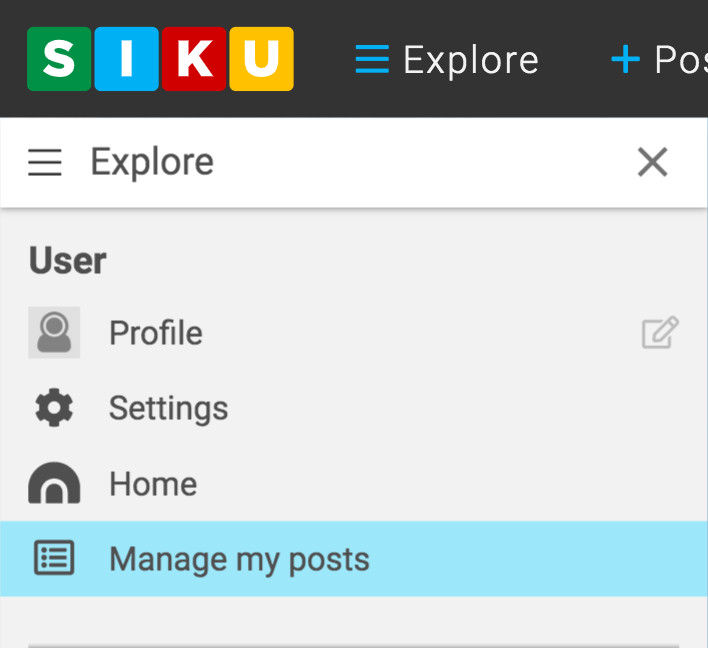
- Click the [fa i=”bars”] explore icon in the SIKU menubar to open the explore menu.
- In the User section, click [fa i=”list-alt”] Manage my Posts in the drop down menu that appears.
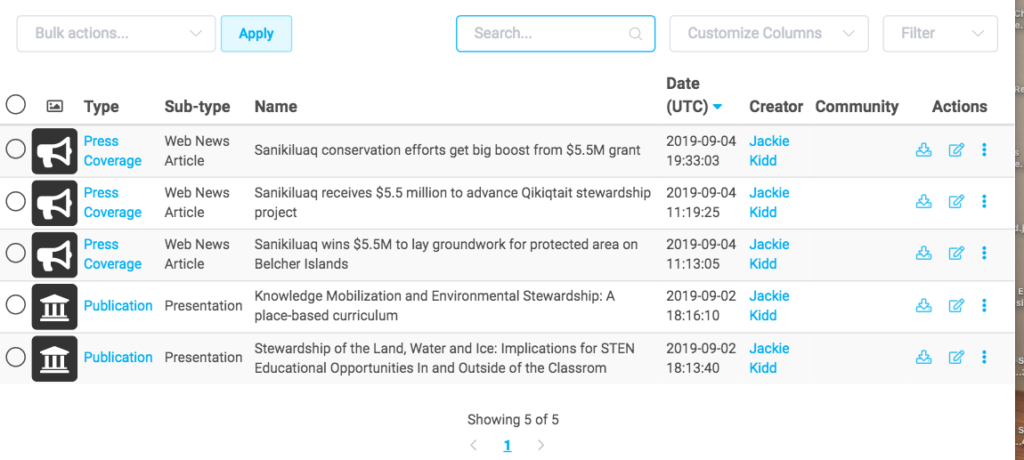
- All your previous posts will be displayed. You can sort your posts according to type, sub-type, name and more. You also search for posts use an action icon to edit, delete or export a post.

Managing my posts
Contents
Updated on June 5, 2020