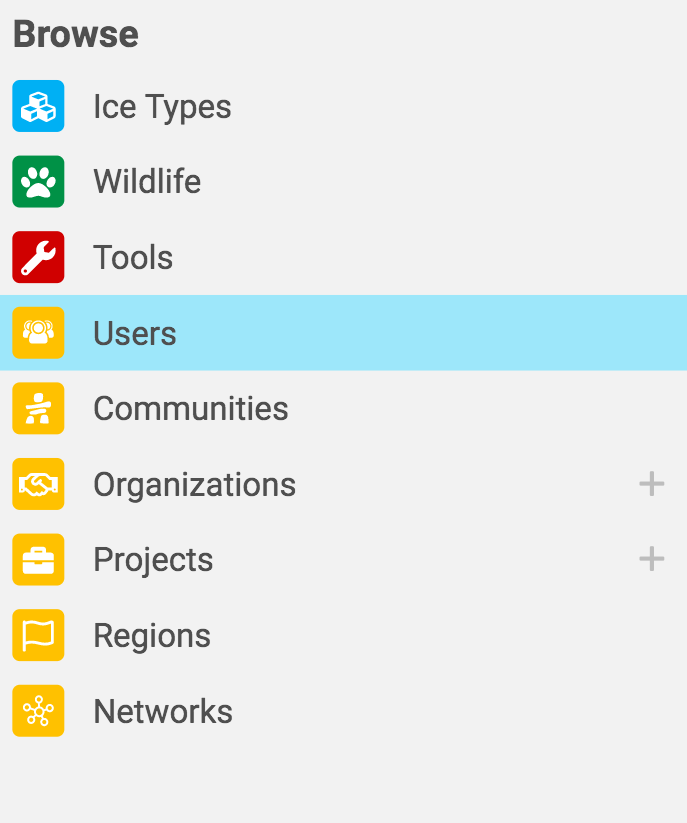
- Click the explore icon on the top left corner.

- Scroll down and click users.
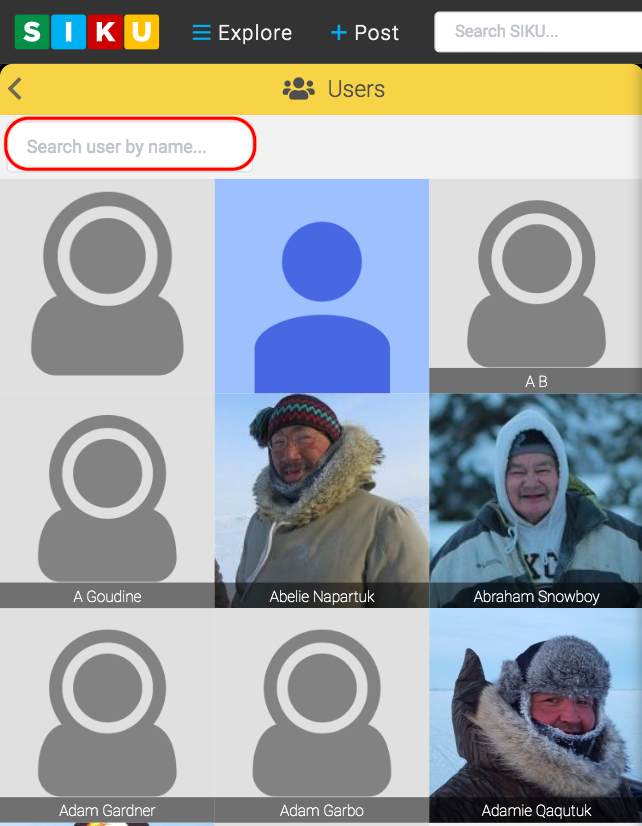
- The profiles of all the current SIKU members will appear in alphabetical order. You can find a specific profile by scrolling down or by simply typing the name of the user you’re searching for in the “search by user name” box.
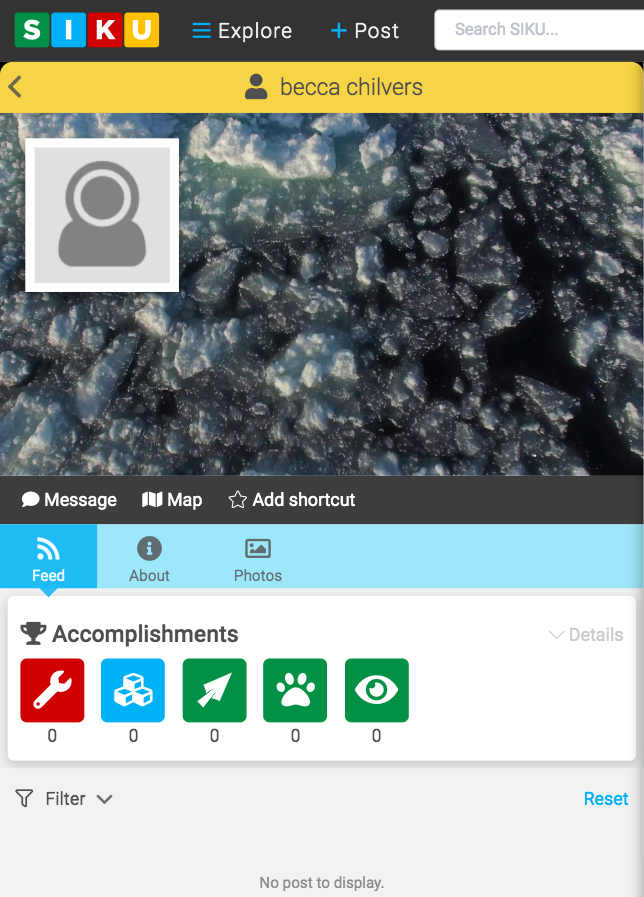
- Once you’ve clicked on the users profile, you will be able to view their profile picture, accomplishments, their previous posts and much more.

Explore User Profiles
Contents
Updated on June 5, 2020