- Click the [fa i=”chevron-left”] sidebar button on the top left corner of the map to hide the left hand side bar and enlarge the map view.
- Click the sidebar button again to bring it back.
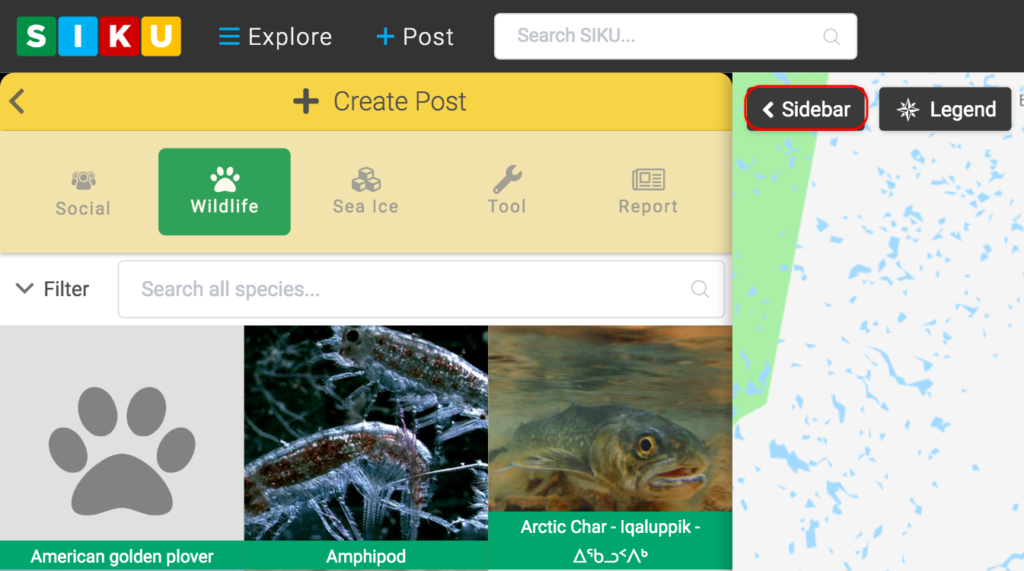

Hide the Left Sidebar
Contents
Updated on June 5, 2020