
Learn how to create a Project Profile on the SIKU web platform.
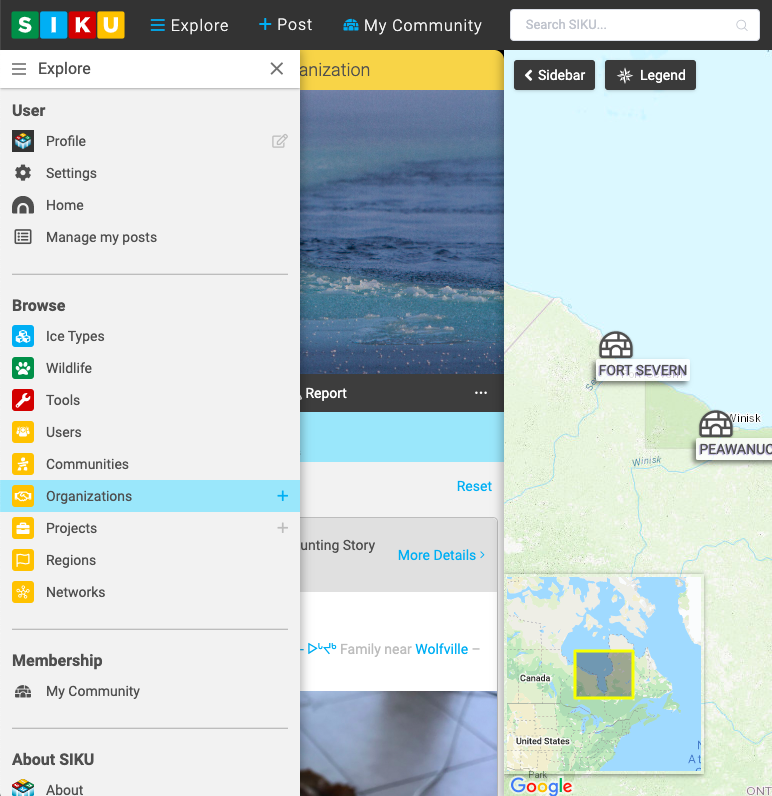
- Click Explore.
- Click [fa i=”plus”] next to Projects.
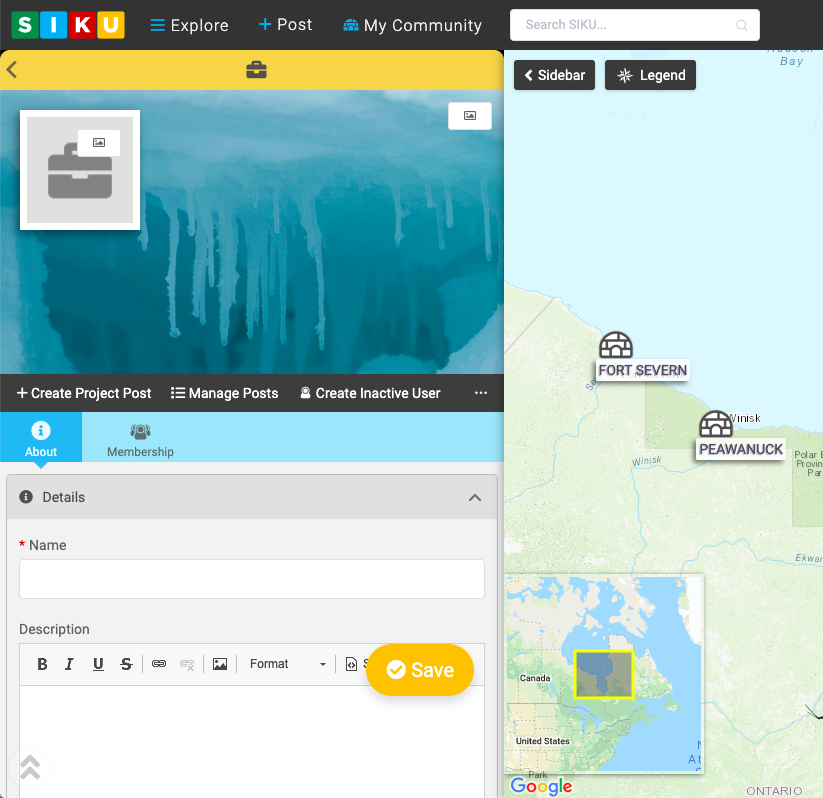
- Add Project Photos (optional).
- Fill in the Details. Project Name is the only required field. All other fields are optional.
- The SIKU user who creates the Project Profile is automatically set as a Project Administrator. Projects Administrators can invite other users to join as Project Members, moderate join requests, designate other members as administrators and generally manage all aspects of the project.
- Click Save [fa i=”check-circle”].