- Click on the sidebar icon on the top left corner of the map.

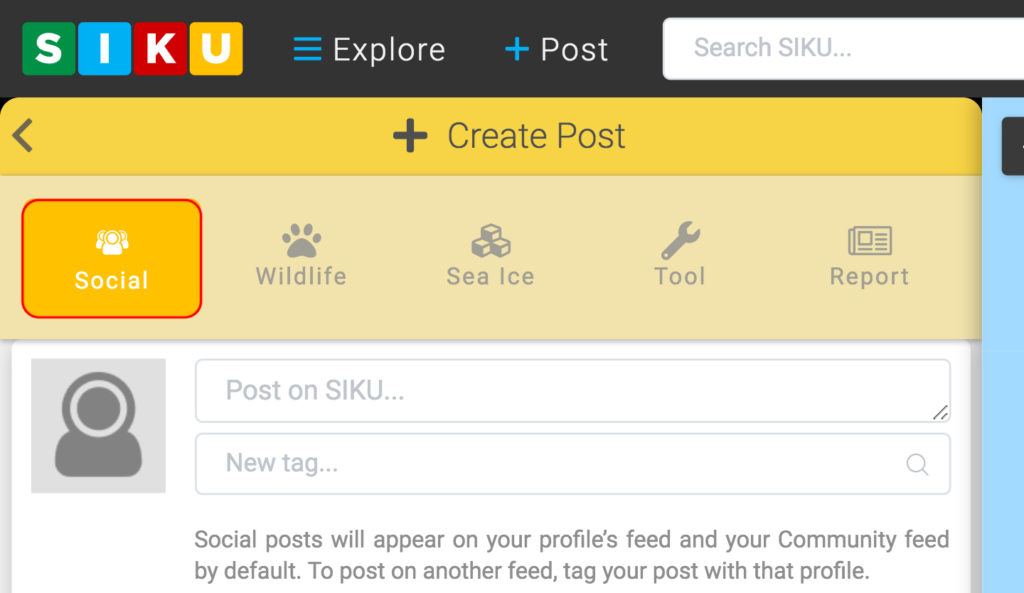
- Click the social icon.
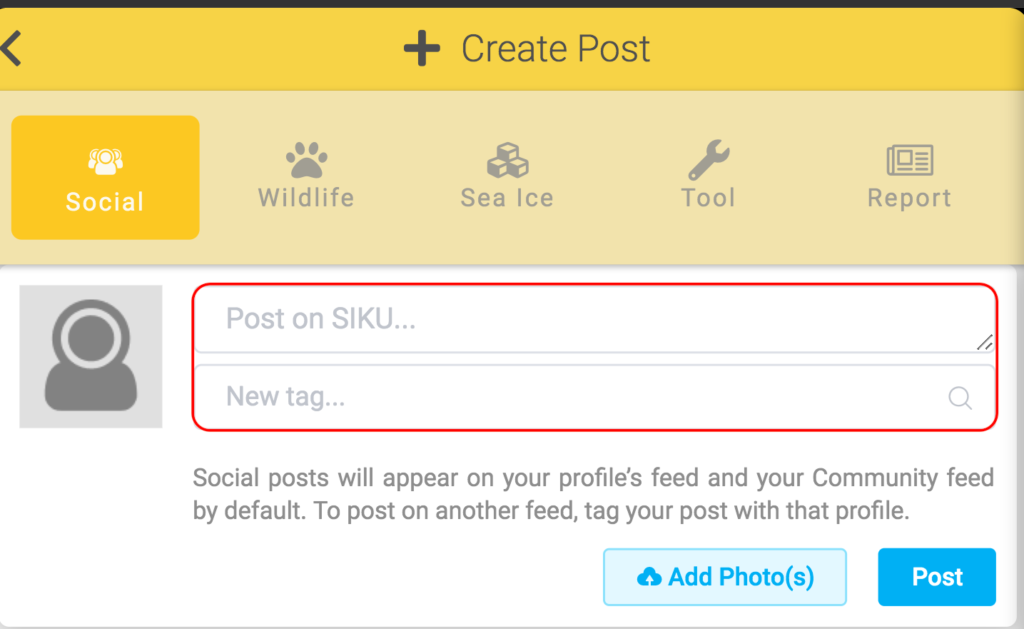
- Type your post in the “Post on SIKU” box. Use the “New tag” box to add a location or tag another member on SIKU in your post.
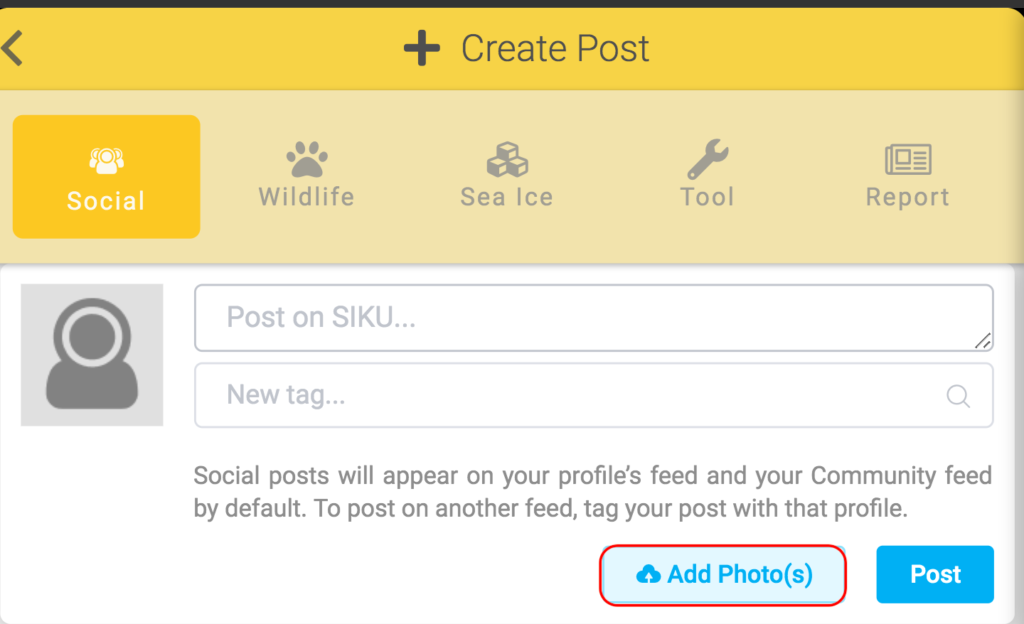
- You can add photo(s) to your post by clicking the Add Photos icon.
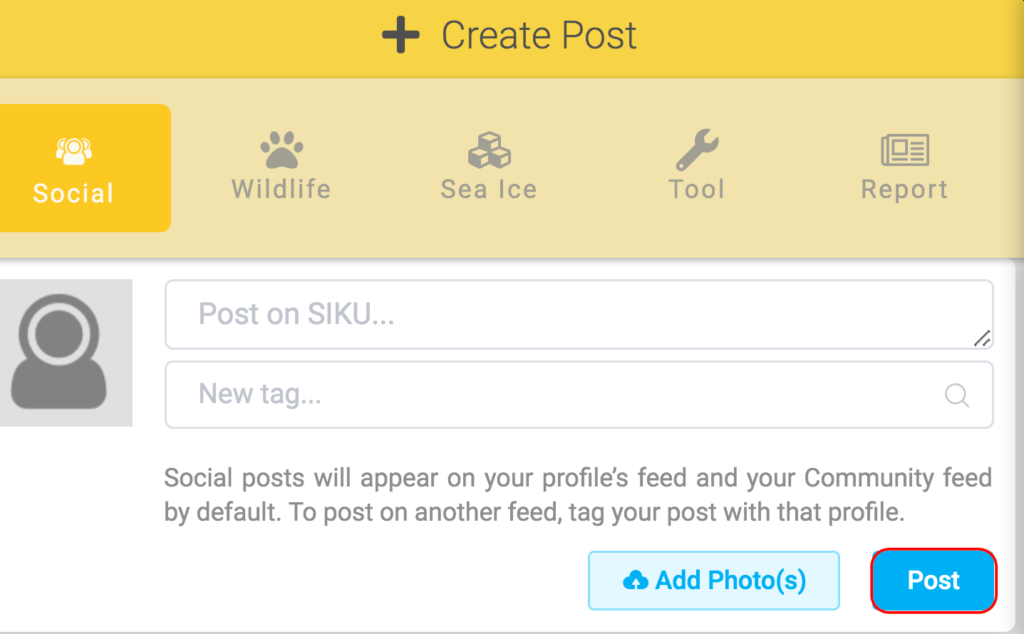
- Click post to add your post to SIKU.