
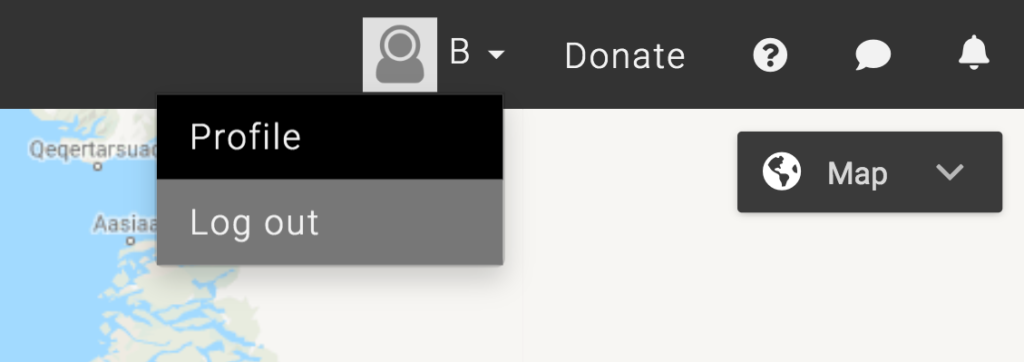
- Click on the drop-down menu near your profile photo on the SIKU menu bar.
- Click Log Out once the drop-down menu appears.
- This will take you to the log-in screen. From here, you can close the tab or log-in with a new account.
This post is also available for: