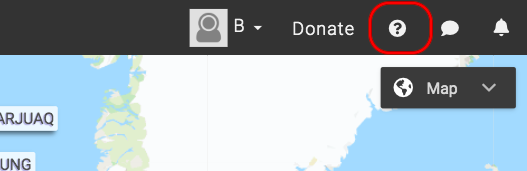
- Click the [fa i=”question-circle”] icon on the top right corner of the SIKU screen.
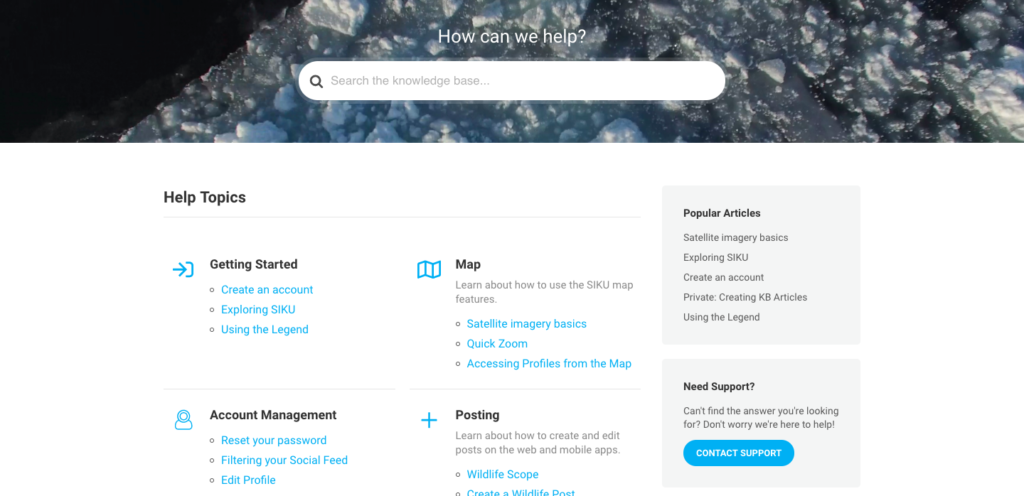
- This will bring you to a new screen where you can use the “Search” text box to find a helpful article. You may also scan through the categories until you find an article to solve your problems.

Accessing Help Files
Contents
Updated on June 5, 2020