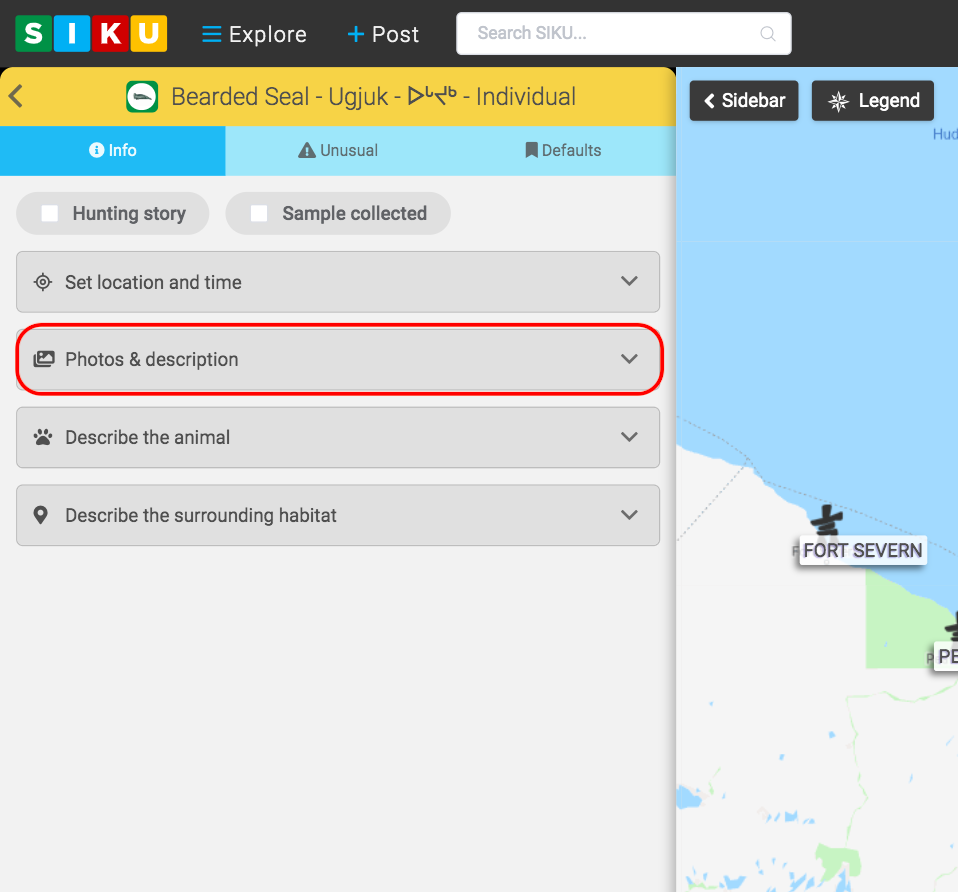
- Click the drop down button as shown.
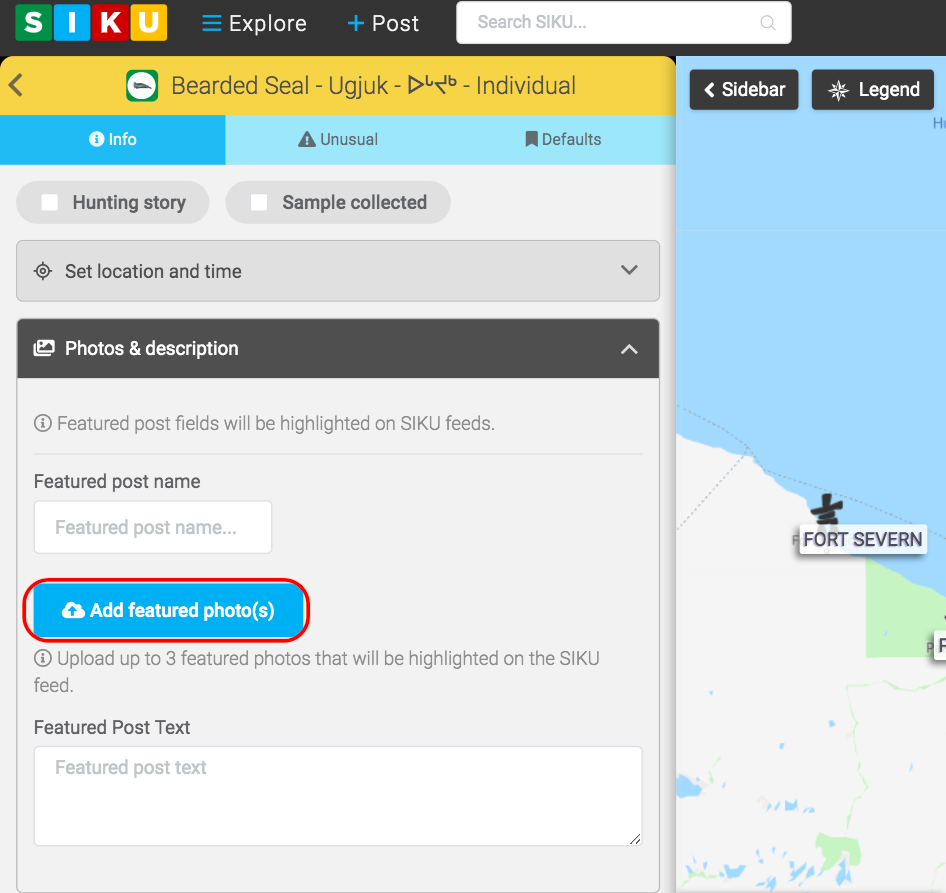
- Click the add featured photos option to select which pictures you want to post from your camera roll. Up to 3 photos can be highlighted on the SIKU feed.
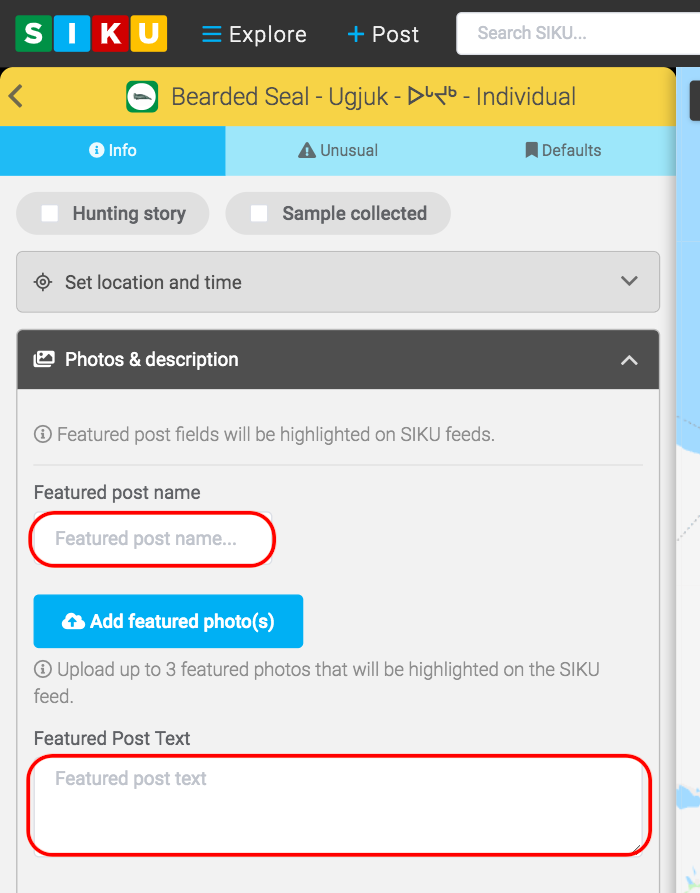
- Create a name for the post using the “featured post name” box. You can add text to further explain your post and pictures using the “featured post text” box.

Adding Photos to Posts
Contents
Updated on June 5, 2020