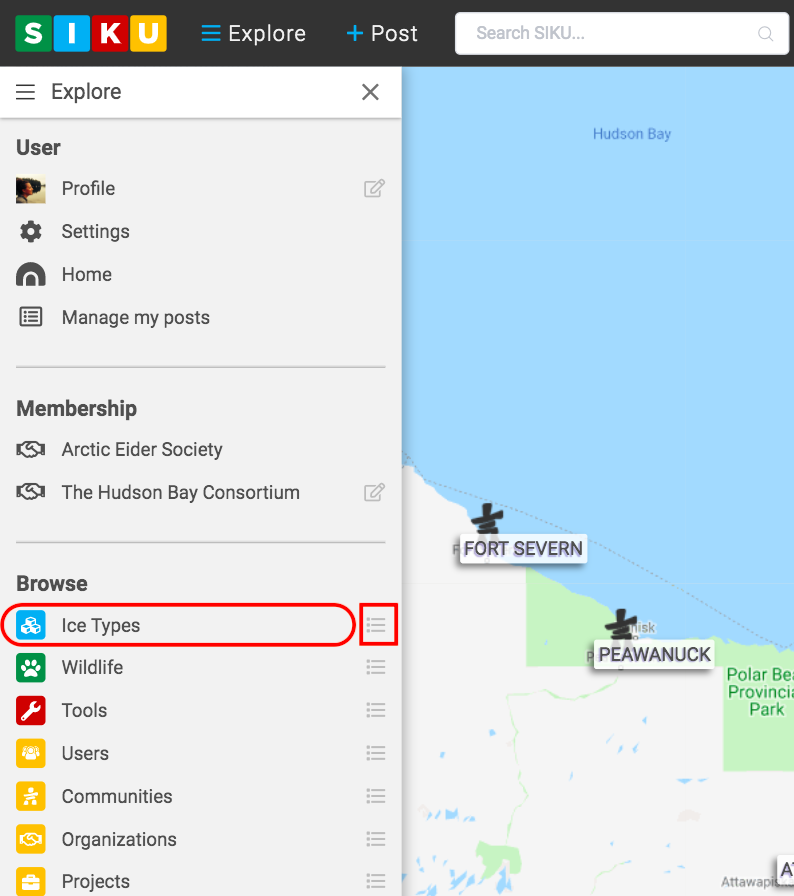
- Click the explore icon on the top left corner of the screen.

- Click the ice types option to access the different sea ice profiles.
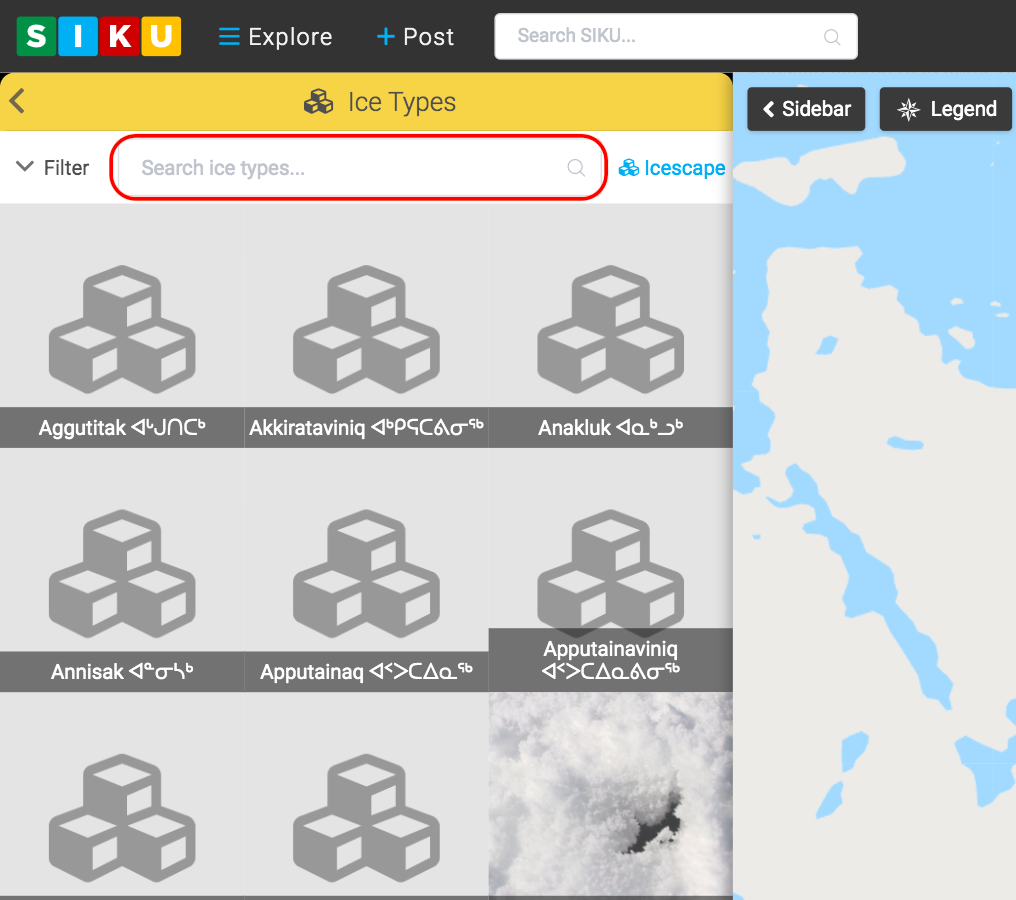
- Click which ice type you wish to view. If you are interested in viewing a specific ice type, you can enter the name of the ice type in the “search ice type” box.
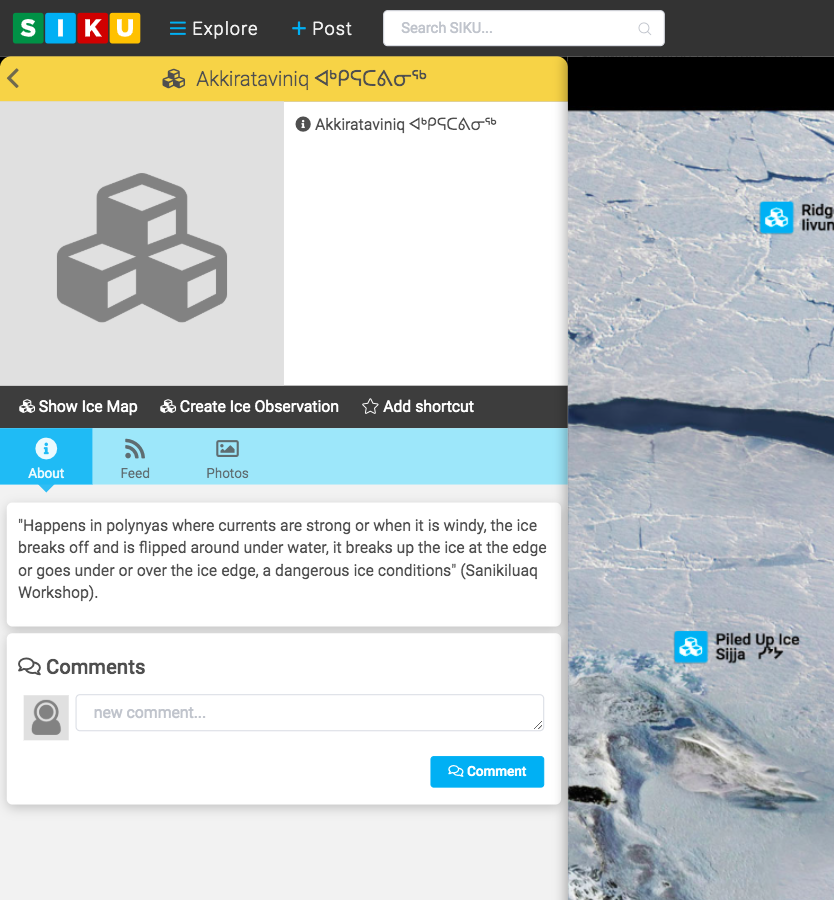
- For example, clicking on Akkirataviniq allows you to access information about this ice type, create an observation, and more.

Explore Sea Ice Profiles
Contents
Updated on June 5, 2020