
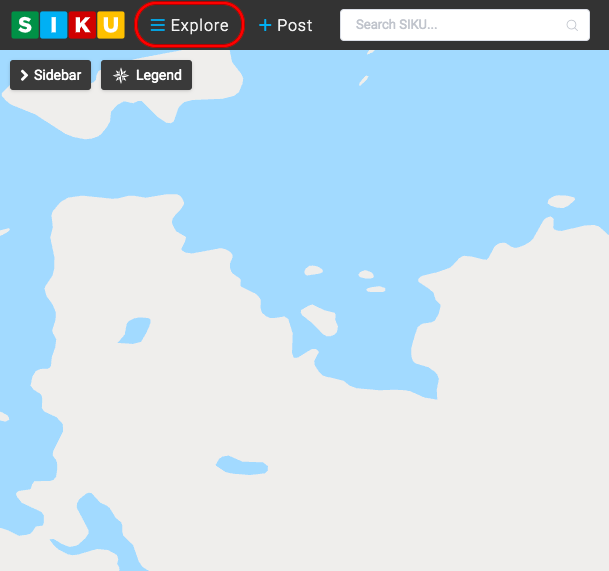
- Click the explore icon on the top right corner of the map to reveal a drop down menu.
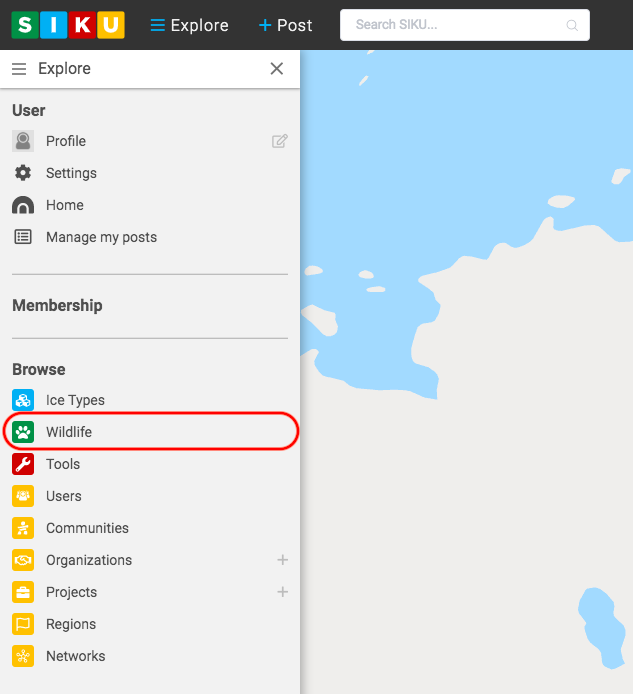
2. Click the wildlife icon to reveal the wildlife profile options.
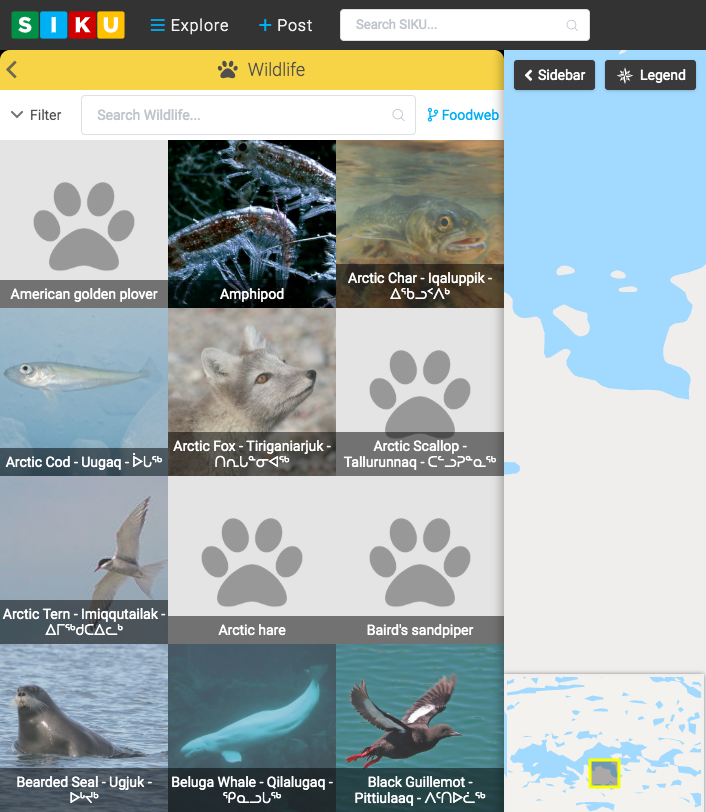
3. Click the wildlife profile you wish to view.
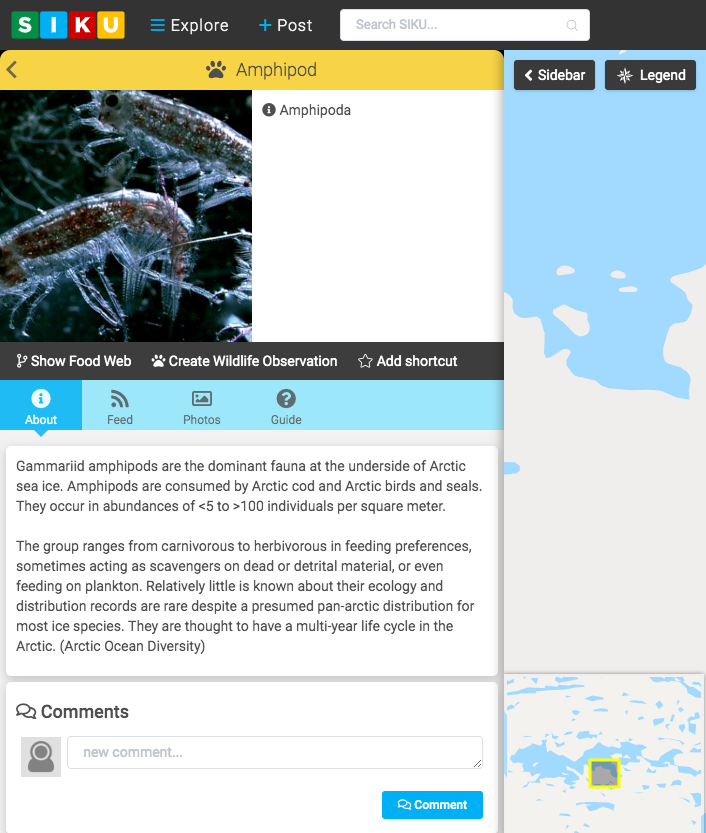
4. For example, clicking on the Amphipod option will open the Amphipod profile. From here, you can view information about the species, create a wildlife observation and more.